How to edit your TrueTerms Profile
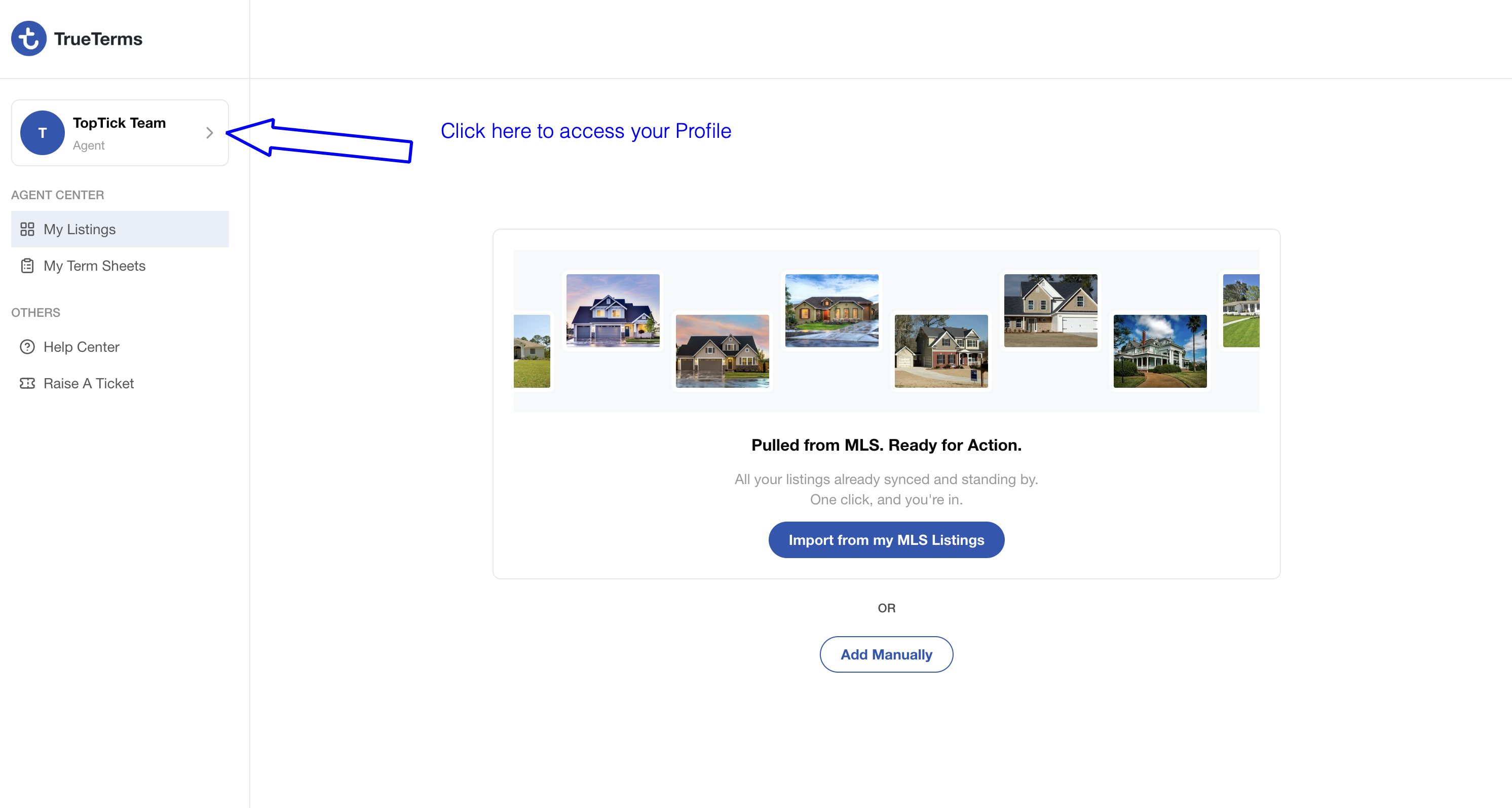
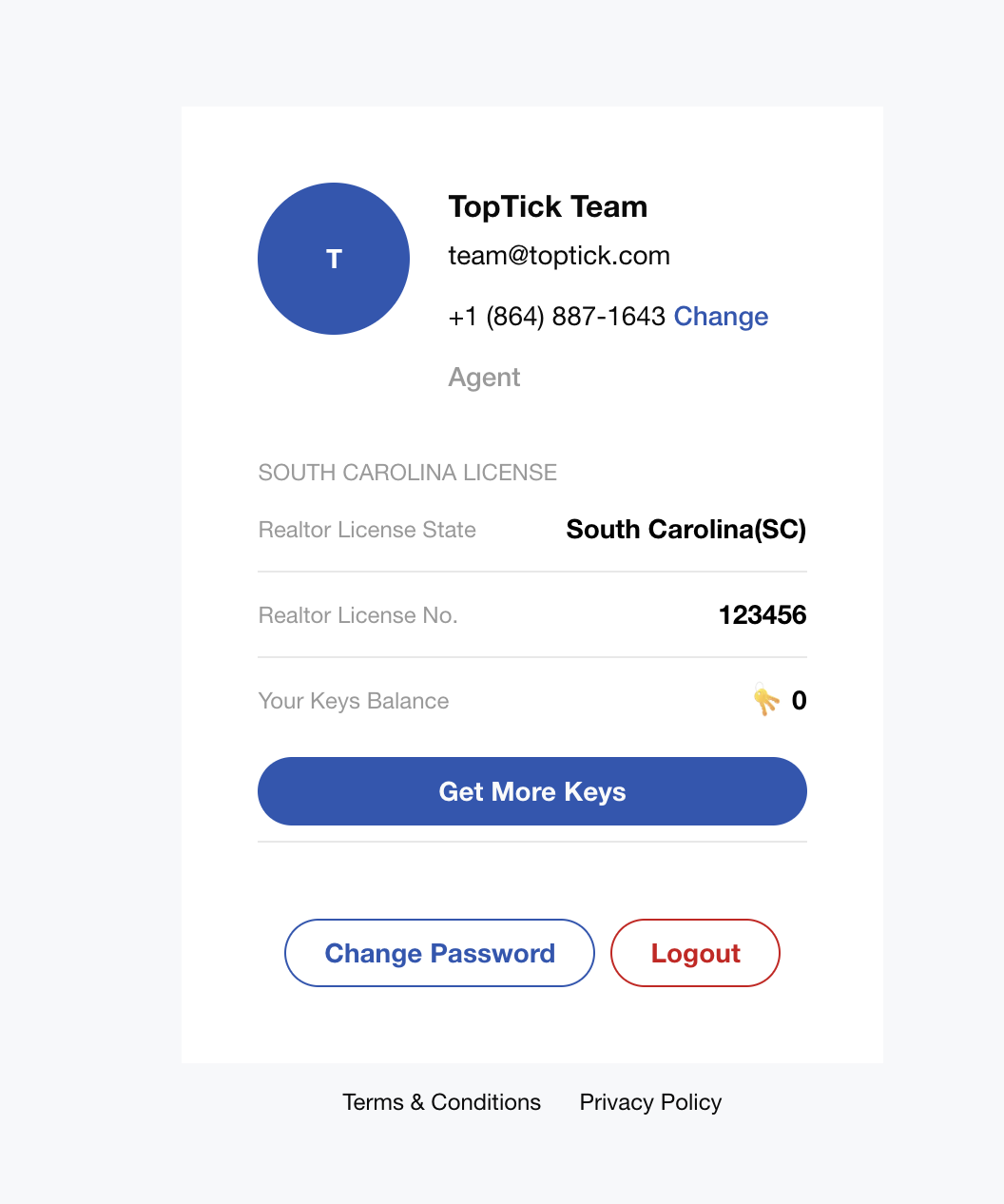
Once you’re in your profile details, you can easily update the following fields:
1. Profile Image: Click the blue circle displaying your initial to update your profile photo, add a personal headshot, or upload a team or company logo.
2. License Number: Edit your license number here to ensure seamless integration of your current listings into your profile.
3. Listing Keys: You also have the option to purchase additional listing keys if needed. At this time, TrueTerms is providing complimentary platform access, so purchasing keys is not required.