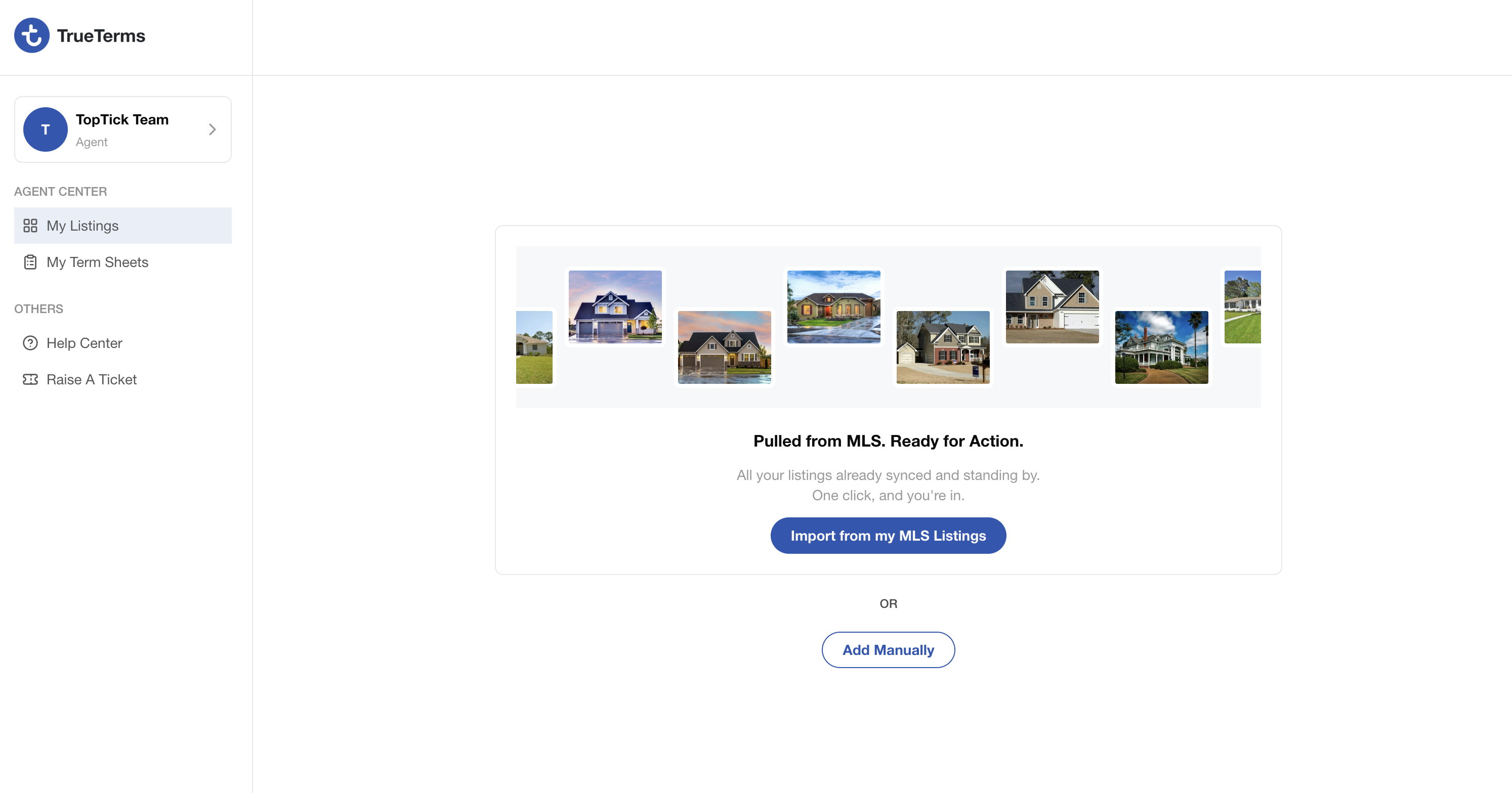
Ready to sign up for TrueTerms? Follow these steps to sign up for a TrueTerms account.
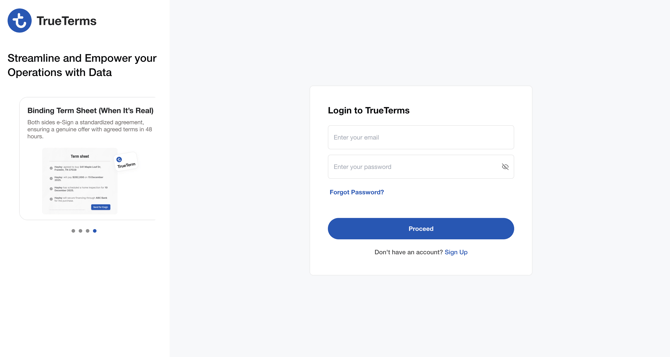
After clicking on the "Don't have an account? Sign Up button, follow the next steps.
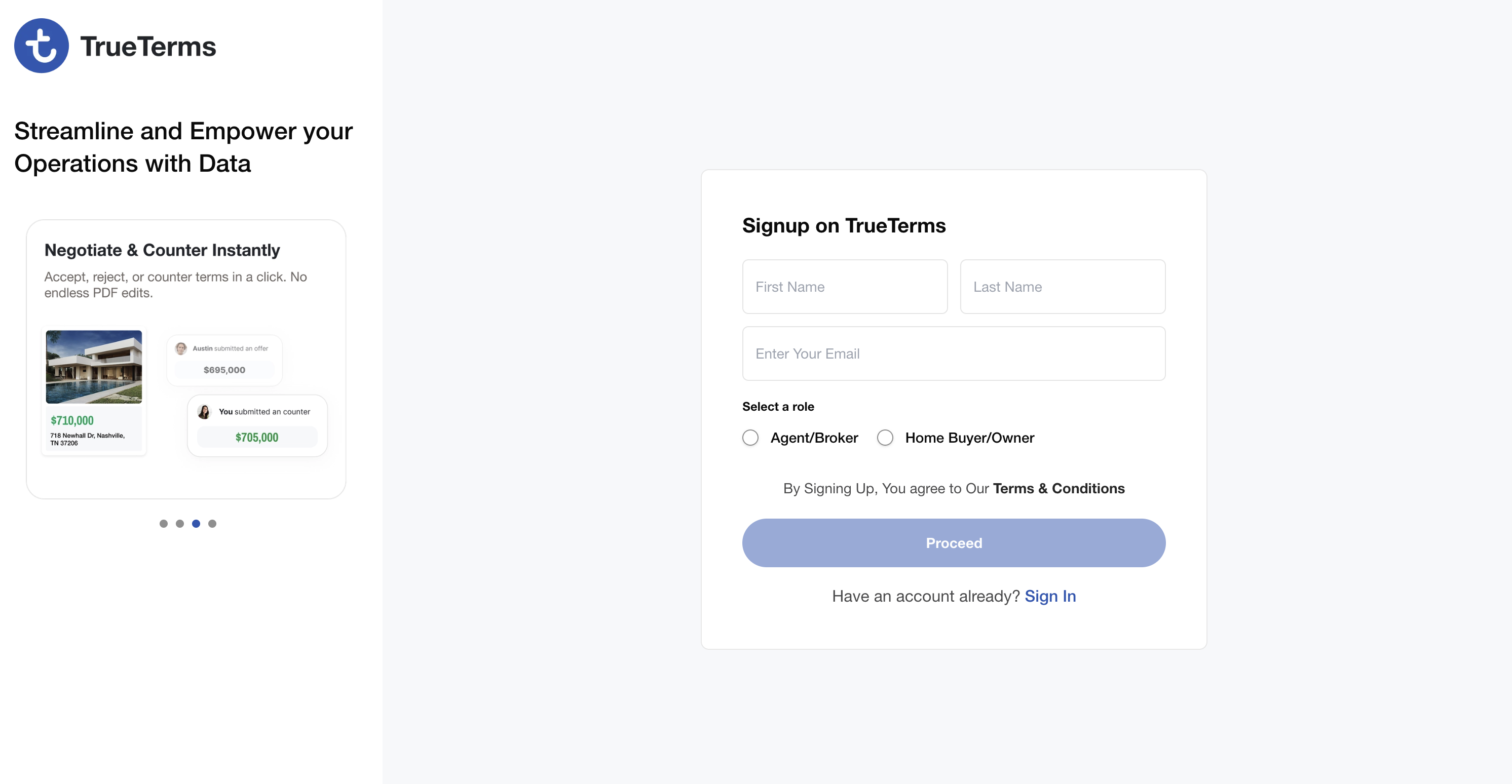
Next Step is to complete your contraction information including your business email, mobile phone number, license number, and state of licensure, and create a secure password.

Once you’ve entered your contact information, check your email for a 6-digit verification code—this should arrive within 20 to 30 seconds. If you don’t see the message in your inbox, be sure to review your spam or junk folder to ensure the code was delivered.
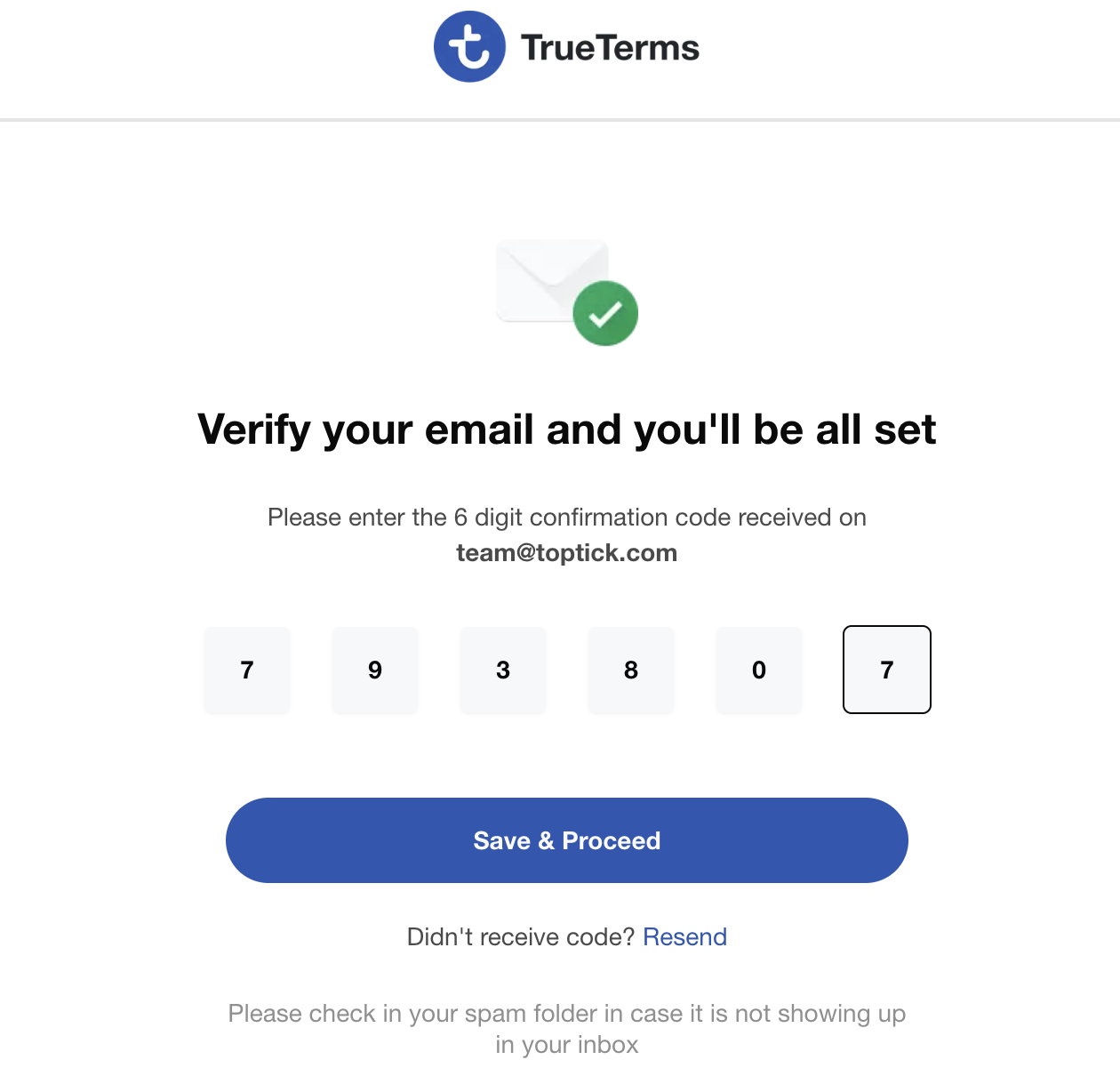
Once the code has been validated, welcome to TrueTerms!!!